How to Make Animated LINE Stickers with AI | From Photo to Submission
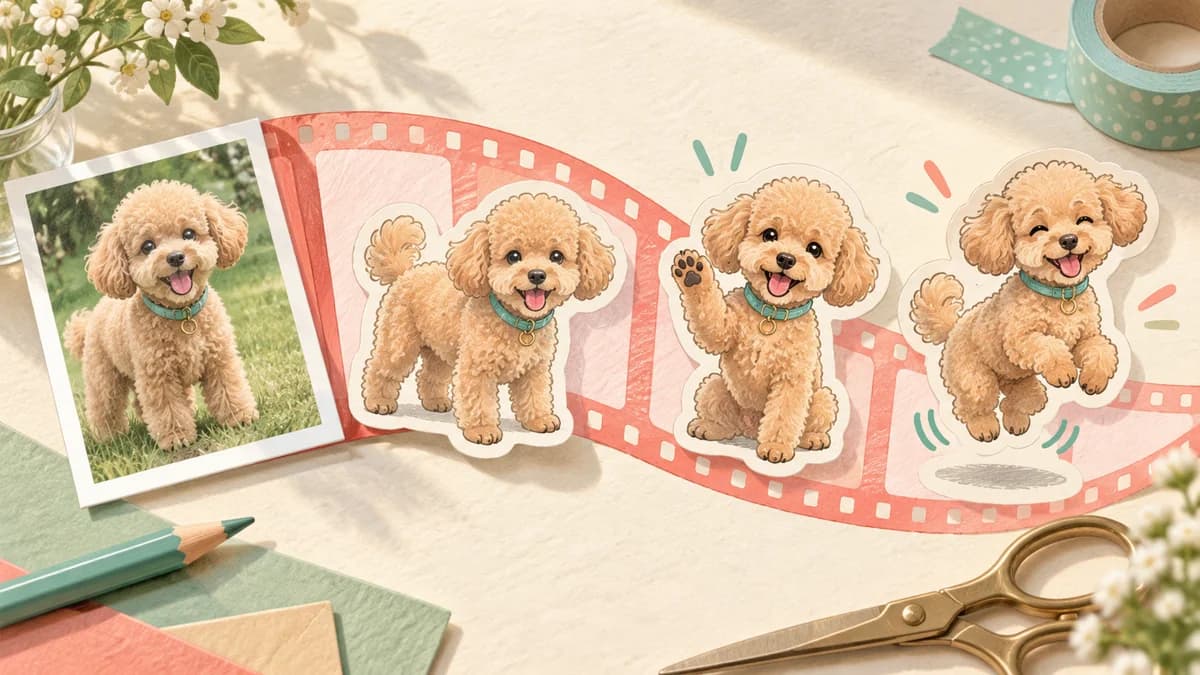
A small wave can change the feeling of a Thank you sticker, but motion alone is not the goal. LINE may show the first frame before animation plays, so the first image must communicate the message by itself. Planning around that rule reduces rework after generation.
Key points
- Animated stickers use APNG files and currently come in 8, 16, or 24 items in Stampo.
- Each item must follow LINE's current frame, duration, size, and capacity requirements.
- Stampo lets you review the character and motion plan before full generation.
- Stampo does not submit to LINE for you; you download the ZIP and submit it yourself.
Make sure the sticker communicates even when it is still
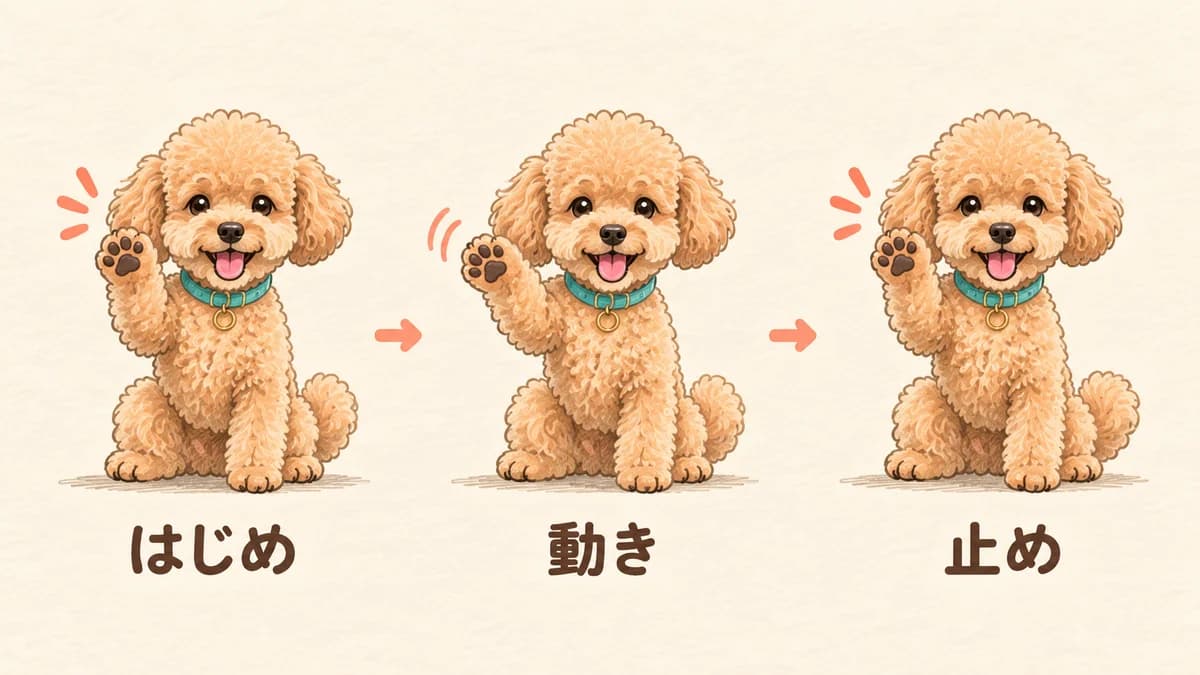
Animated stickers play in supported LINE views, but shop previews and non-playing states may show the first frame. Put the essential emotion, phrase, and readable silhouette in that opening image. If Thank you only becomes understandable after a late bow, the static preview will be weak.
Use motion to reinforce the message: one wave, one nod, or a small bounce is often enough. Daily conversation benefits from a clear, restrained movement more than a busy effect that competes with the phrase.
Check the LINE animated sticker requirements before creating
The official requirements are different from ordinary static stickers. The current guide describes 8, 16, or 24 animated images in APNG format, each no larger than 1MB, with the ZIP within the stated total limit. Dimensions, frame count, playback duration, loops, transparency, and related images all need to be checked against the latest official page before submission.
- Keep the item count and all frame dimensions consistent.
- Use 5 to 20 frames and a playback length within the current limit.
- Keep the transparent background and the file size under the official limits.
- Prepare the main image and tab image at their required static sizes.
- Make the first frame understandable without playback.
Prepare the photo before asking AI to animate it
Use a photo where the face, body direction, and important accessories are visible. Avoid strong blur, backlight, or overlapping people. For a pet, show the ears, tail, and markings you want to use in the motion instruction.
Confirm rights before generation. Use your own photo or one you have permission to use, and remove third-party faces, logos, characters, or product artwork. AI output does not remove your responsibility for the source material or the final result.
Create an animated sticker from a photo in Stampo
Open Stampo's animated sticker creation page and describe the character, style, phrases, and intended audience. Choose 8, 16, or 24 items, review the proposed phrases and motion descriptions, and confirm the displayed ticket requirement before full generation.
- Choose a new creation and provide a photo or character reference.
- Select the set size and review the planned expressions and phrases.
- Describe one clear movement and what should remain fixed.
- Confirm the terms, price, and required tickets before generating.
- Inspect playback, text, and transparency in the editor, then export the ZIP.
Motion prompts you can reuse
A useful motion instruction says what moves, what stays still, how fast it moves, how many times it repeats, and where it ends. For example: Keep the character centered and the phrase readable. Wave the right hand slowly once, do not move the body far, and return to the starting pose. Keep the background transparent.
For Thanks, try: Start with a smile, lean the upper body forward in one slow bow, keep the face and lettering stable, and return to the first posture. Avoid shaking the whole screen. A focused movement is easier to read and usually easier to keep within the capacity limit.
Review the result and fix the common problems
Review the whole set first, then the individual frames. If the first frame has no meaning, move the emotion into the opening image. If the motion is invisible, specify one body part and make its movement clearer. If the face or phrase wobbles, tell the process to keep the face, body position, and lettering fixed.
- Meaning is unclear in frame one: show the emotion immediately.
- Motion is too subtle: choose one moving part and increase its readable range.
- Face or text shakes: keep those elements fixed across frames.
- File is too large: reduce moving detail, particles, and broad background changes.
Submit the ZIP to LINE yourself
Stampo prepares the artwork and ZIP, but it does not act as your LINE Creators Market account. After downloading, register the item, upload the files, request review, and release it after approval according to LINE's current instructions. Check text, rights, visibility, AI disclosure, and the latest animation guide at the point of submission.
FAQ
How many animated stickers do I need?
LINE offers several official set sizes. Stampo's current animated sticker flow offers 8, 16, and 24 items. Confirm the latest official requirements before submitting.
Is animated sticker generation free?
Stampo shows a preview before full generation. Full generation uses the tickets and price displayed in the current creation flow, so check that screen before confirming.
Can I use a family member's or pet's photo?
Use only photos you own or have permission to use, and check every person, logo, and character visible in the source and final images.
Does Stampo submit the sticker to LINE?
No. You download the completed ZIP and submit it through your own LINE Creators Market account.