New Year LINE Stickers with AI: Plan Back from Your Deadline
Most people only think about New Year stickers once December arrives, when the greetings start piling up. AI means you no longer need weeks to draw 40 images, but the calendar still matters: review takes time, a rejection means resubmitting, and the end of the year is a busy season. This guide shows how to plan backward from the day you want to send, and how to build a set that still earns its place after the holidays.
Key points
- Pick the day you want to start sending, then work backward with room for one resubmission.
- Stickers with the year on them are good for one season only. Keep most of the set reusable.
- Split 40 stickers across year-end, New Year, everyday winter, and regular greetings.
- LINE runs seasonal features in some regions. Check the official announcements for your own region before planning around one.
Seasonal features: check what applies in your region
LINE Creators Market sometimes runs seasonal sticker and emoji features that highlight new items in the store. In Japan, for example, the 2026 winter feature is open to creators living in Japan and stops accepting review requests in early December. Features like this differ by region, and some regions may not run one at all.
If you want your set to appear in a feature, look for the latest LINE Creators Market announcements for your own region and follow their dates and conditions exactly. If there is no feature for you, nothing is lost: you can still submit a New Year set through the normal process and send it to friends and family as soon as it is approved.
Plan backward from the day you want to send
LINE's official help said in 2024 that review usually takes from a few hours to about two days. That sounds quick, but a rejection means fixing the set and requesting review again, and more creators submit near the end of the year. Avoid a plan where your first submission lands right before your deadline.
A comfortable schedule counted back from New Year's Day looks like this:
- About six weeks before: decide who you will send the stickers to, write the 40 phrases, and choose the photo for the character.
- About four to five weeks before: generate the set with AI, then fix phrases and expressions in the editor. Pick the main and tab images.
- About three weeks before: submit, with the AI-use disclosure set correctly.
- The remaining weeks: a buffer for fixes and resubmission if the set is rejected.
Should you put the year on your stickers?
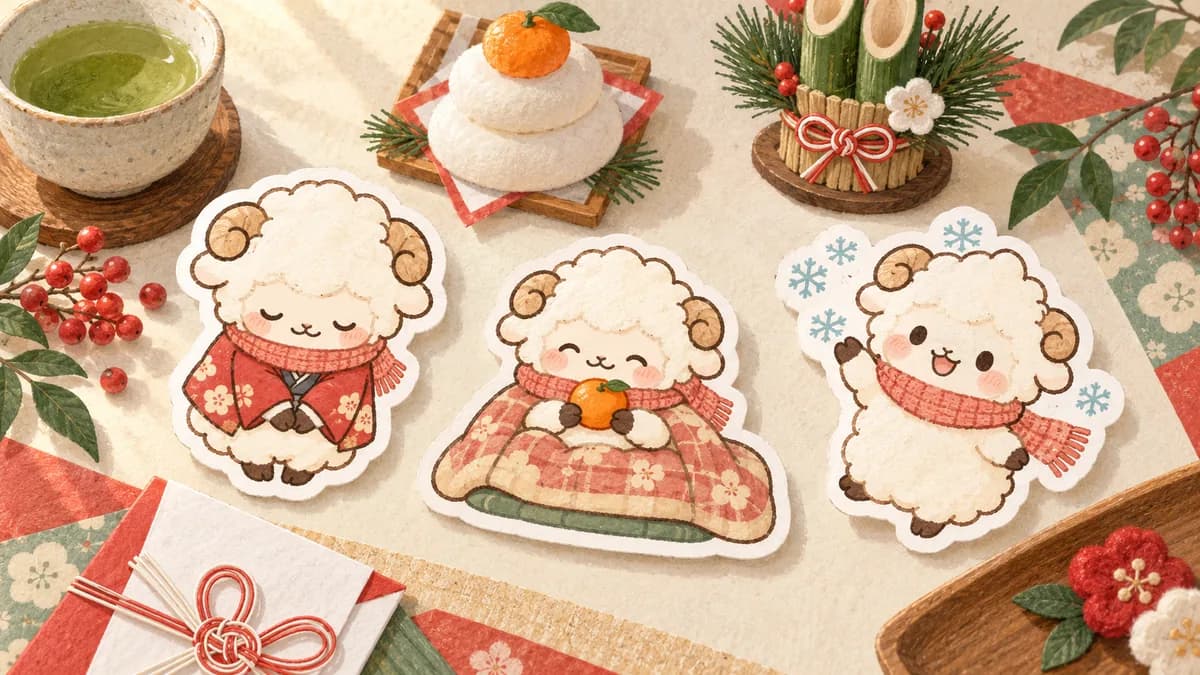
2027 is the Year of the Sheep (or Goat) in the zodiac, so it is tempting to draw a sheep and add a big 2027. That is not wrong, but a sticker with the year on it is only useful for a few weeks around the holidays. By the next New Year, it already feels out of date.
A better balance is to keep the year and zodiac to a few stickers and make the rest reusable. Happy New Year works every year. Put the year-specific design in a prominent place such as the main image, and the seasonal feeling still comes through.
A 40-sticker plan for the season
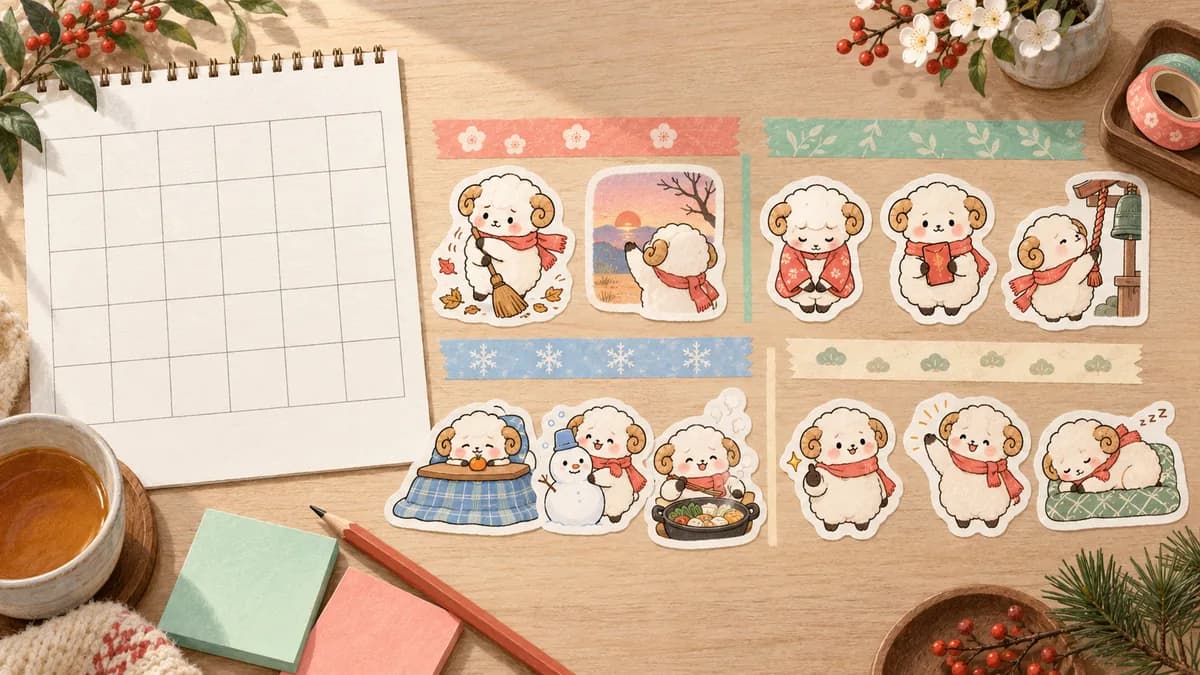
If all 40 stickers are about New Year's Day, you will run out of things to send by mid-January. Split the set into four scenes and give each one a share.
- Year-end (8): Thanks for this year / See you next year / Cleaning day / Last day of work
- New Year (12): Happy New Year / Cheers to 2027 / Let's make it a great year / New Year, same me / Countdown!
- Everyday winter (10): So cold / Stay warm / Snow day! / Hot chocolate time / Can't leave my blanket
- Regular greetings (10): Morning / Got it / Thank you / Good job / Good night
Add polite versions for family and work
The New Year is also when people message relatives, older family members, and coworkers they rarely send stickers to. A few polite lines such as Wishing you a healthy and happy New Year or Thank you for your support this year make the set usable in those chats too. For close friends, short and casual lines like HNY! or Cheers! work better.
Stickers appear small in a chat, so keep each phrase short. One to three words is usually the easiest to read at a glance.
Add the season with props, not a new character
Keep the character as it normally looks and bring in the season with outfits and props: a knitted scarf, a party hat, fireworks, a mug of something warm, or a cozy blanket. Giving each sticker one prop reads better at small size than packing every decoration into every image, and it keeps the set looking like one series you can grow later.
When the character comes from a pet photo, keep the collar, coat color, and markings consistent in every sticker first. Props can always be added later, but a set where your pet no longer looks like your pet cannot be fixed with decorations.
Making a New Year set with Stampo
In Stampo, you describe the theme in a conversation with AI, then generate 40 stickers plus 8 spare candidates in one batch. You can set the style and phrases freely in the same conversation.
- Upload the photo you want to base the character on. You can also start without a photo.
- Describe the structure, for example: a New Year and winter set with 8 year-end, 12 New Year, 10 everyday winter, and 10 regular greetings.
- Say how many stickers should include the year or zodiac, and how many should be polite.
- Check the character and style in the free preview.
- Before full generation, check the price shown in the creation flow.
- After generation, fix phrases in the editor and check on a phone screen that outfits and props are not too small.
- Export a ZIP in LINE's format and submit it yourself on LINE Creators Market.
Animated stickers and emoji for the holidays
If you want movement to stand out in a busy holiday chat, Stampo's animated sticker flow makes sets of 8, 16, or 24. If you would rather people use your character inside their messages, the emoji flow creates 40 emoji. Both start from the same conversation and preview steps.
Check before you submit
LINE asks creators who use generative AI to make sure their work does not infringe existing works or other people's rights. Stampo does not submit sets for you or guarantee approval, so review the exported ZIP yourself before submitting.
- AI disclosure: declare AI use on the submission form and keep a record of how you made the set.
- Rights: make sure no existing characters, other people's photos, or company logos appear.
- Seasonal feature: if you are joining one in your region, recheck its theme count, tags, and other conditions.
- Personal sets: some features exclude sets made for a specific person, such as ones with a family member's name. Japan's 2026 winter feature is one example. You can still submit those sets normally.
- Readability: check phrases and props on a phone screen at actual size.
Instead of a greeting card, 40 stickers you can use next year too
A New Year sticker's lifespan is decided the moment you add the year. Keep 2027 to a few stickers, include cold-weather lines and everyday replies like Got it, and the set will still be in use at the end of January and again next winter. Start by deciding who you will send it to, then write your 8 year-end and 12 New Year phrases.
FAQ
Is it too late to make New Year stickers in December?
Not usually. A personal or family set submitted in early December typically has time to be approved before New Year's Day. A seasonal feature, if your region runs one, may close earlier, so check its official announcement.
Can I make New Year stickers with my family's names on them?
Yes. Some seasonal features do not accept sets made for a specific person, so submit those through the normal process. See the family photo guide for tips on consent and safety.
What is the zodiac animal for 2027?
2027 is the Year of the Sheep (or Goat). Keep the sheep motif to a few stickers and make the rest reusable, so the set stays useful after the holidays.
Can I join LINE's seasonal sticker feature from outside Japan?
Japan's 2026 winter feature is for creators living in Japan. Features and their conditions vary by region and can change without notice, so check the latest LINE Creators Market announcements for your region. This article reflects information checked on 14 October 2026.
Official references
- LINE Creators Market: 2026 winter sticker and emoji feature (Japan, in Japanese)
- LINE Creators Market help: how sticker sales work
- LINE review guidelines