Why Your AI LINE Stickers Aren't Selling: 7 Things to Check
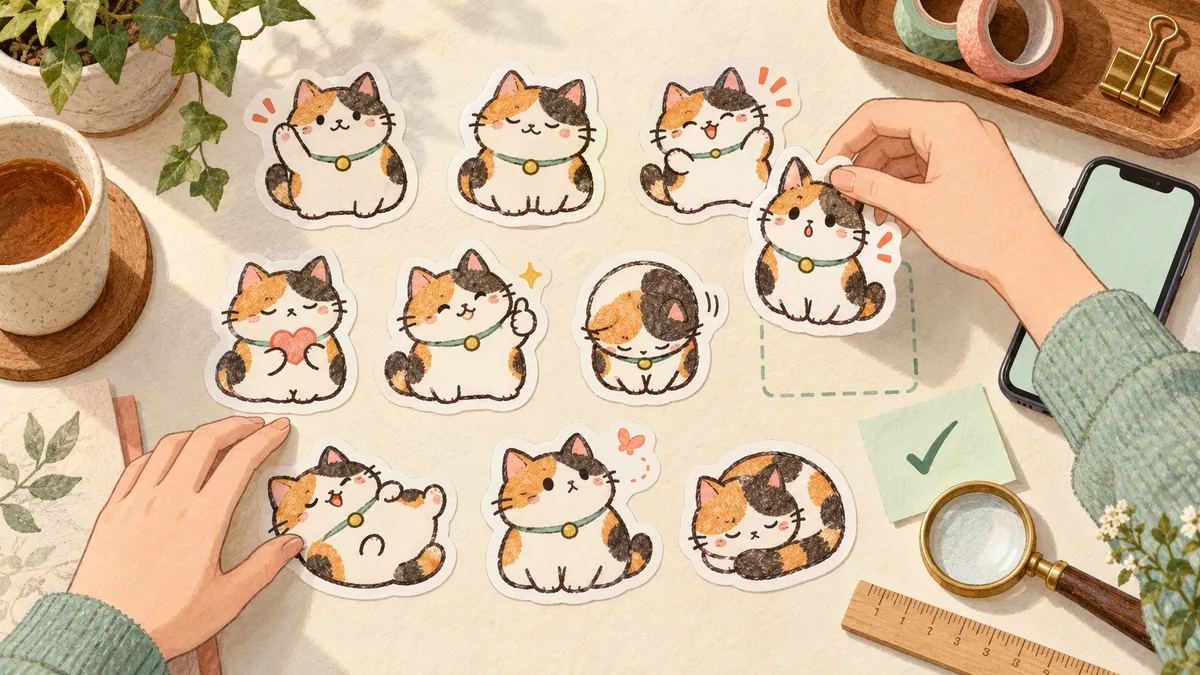
Your set passed review and appeared in the LINE STORE. Family bought it, a few friends too, and then sales went quiet. It is tempting to blame the AI-use label, but stickers with that label are sold in large numbers, and the label does not stop sales. Most of the reasons are the same ones hand-drawn sets face, and they sit earlier in the journey. Work through them in three stages: getting found, getting chosen, and getting used again.
Review in this order
- Getting found: title, tags, and main image (points 1-3).
- Getting chosen: who it is for, readability on a small screen, and everyday replies (points 4-6).
- Getting used again: a sequel with the same character (point 7).
- For AI-made sets, also check that the character stays consistent across all 40.
First, find where buyers drop off
"Not selling" can mean three different things. People may not be finding your set at all. They may find it but choose something else. Or they buy once and never come back for more.
Redrawing the artwork will not help if nobody sees it. And if plenty of people view the set but few buy, a new title will not change much either. Points 1-3 cover getting found, 4-6 cover getting chosen, and 7 covers repeat buyers, so check them in that order.
1. The title doesn't say who it's for or what it does
A title that is only the character's name means nothing to people who have not met that character yet. LINE Creators Market's official tips on main images and titles recommend wording that shows what the set is at a glance, brackets or symbols that highlight the theme, and words people are likely to search for.
For example, "Mochi" tells shoppers very little, while "Mochi [Polite] Everyday Replies" tells them exactly when they would use it. Shoppers search with the words for the situation, not the name of a character they do not know. Do not stuff the title with keywords, though: overloaded titles can cause problems in review. One or two words that describe the theme are enough.
2. You haven't used tags or seasonal features
LINE Creators Market lets you set tags on each item. Official feature announcements often list recommended tags and note that setting them can help more people discover your work.
Seasonal features are another way in. Submitting a set that fits an upcoming feature can give it a new entry point on the feature page. Themes and schedules differ by region, so check the LINE Creators Market announcements for your area.
3. The main image isn't the sticker that says the most
The main image is the first thing people see in a list. LINE's official tips suggest choosing the sticker that best conveys the theme of the pack, ideally one that makes it easy to imagine sending it.
For a polite-replies set, that might be the "Understood" sticker. For a family set, it is the line people would actually send to their family. When you make a whole set with AI, it is easy to leave the first image as the main one by default. Look through all 40 and pick again.
4. The set is aimed at everyone
When we looked at the new-arrivals list in Japan's LINE STORE in October 2026, titles aimed at specific people stood out: school club members, particular jobs, grandparents who speak in a regional dialect. As the ranking-trends article in Related reading also shows, sets made for everyone tend to get lost in the list.
Decide on a specific audience, such as nurses or Shiba Inu owners, and those people will see the set as made for them.
5. It's hard to read at chat size
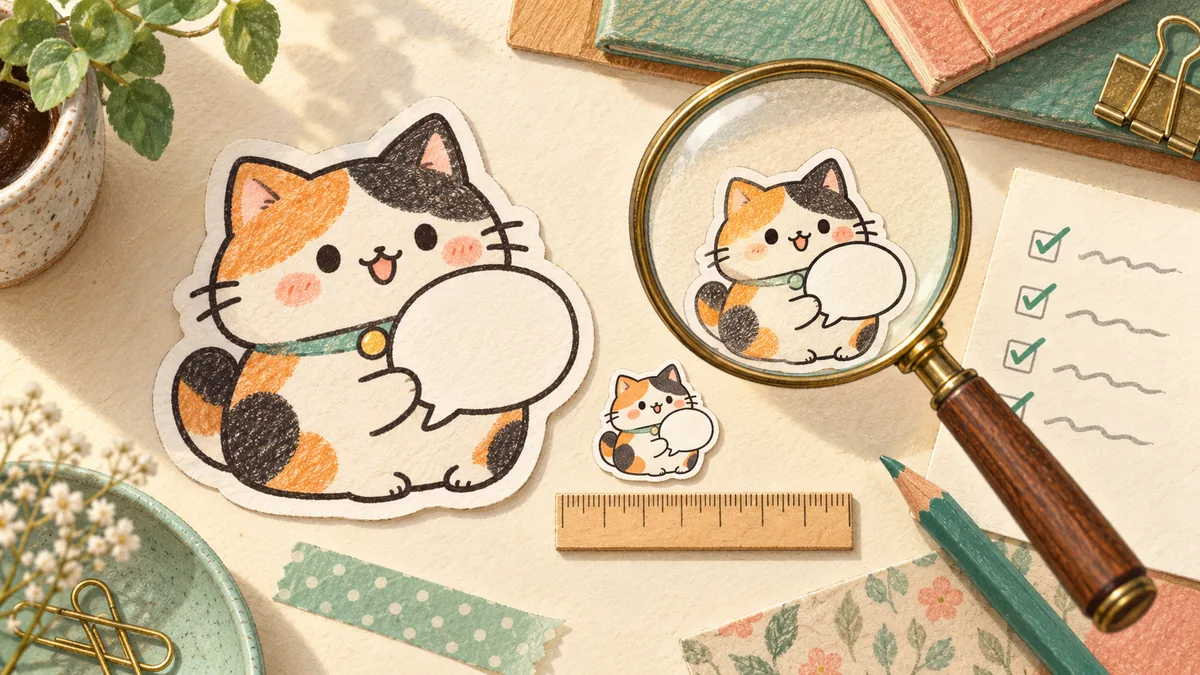
It is easy to check your images on a large computer screen and feel reassured. But stickers appear small in a chat. Thin lines, long captions, and text that matches the background color become unreadable at that size.
- Keep each caption to a few words. Split a longer message across two stickers.
- Give text an outline so it reads on both light and dark chat backgrounds.
- Exaggerate expressions. Subtle differences disappear at small sizes.
- Check that the character is still recognizable at tab-image size (96×74px).
6. Everyday replies are missing
When AI writes the captions, a set can fill up with emotional reactions. Happy, sad, and surprised are fun, but the stickers people send most every day are "Morning", "OK", "Thanks", and "Good job today".
Give roughly 30% of a 40-sticker set to greetings and replies, and use the rest for emotions and subtler nuances. That way the set keeps getting used after purchase.
Extra checks for AI-made sets
The AI-use label itself is not the main reason sets fail to sell. Still, AI-made stickers have their own blind spots. Line up all 40 and check whether the character's face, clothes, or markings drift little by little. Look for extra or missing fingers and legs, typos in the text, and leftover background.
A drift you miss sticker by sticker becomes obvious in the store list, where the set no longer looks like the same character. Replacing just a few of the worst ones can make the whole set feel much more unified.
7. You stopped after one set
Look at the top of the rankings and you will find several sequels starring the same character. People who liked the first set come back to see what that character does next. Even if your first set did not sell much, anyone who bought it is a natural first customer for the next one.
Keep the same character and change only the theme: a polite version, a seasonal version, or a version without text.
Match the symptom to where you should look
If you are not sure where to start, use what you are seeing now as a guide.
- No purchases beyond family and friends: title, tags, seasonal features, and main image (points 1-3).
- People react on social media but don't buy: a narrower audience and small-screen readability (points 4-5).
- Buyers rarely use the set: greetings and replies, and character consistency (point 6 and the AI checks).
- A few early sales, then nothing: a second set with the same character (point 7).
Remaking your set with Stampo
Stampo's full generation creates 40 stickers plus 8 spares, so you can swap out any where the character has drifted. In the editor you can fix caption text, position, and outline, and choose the main and tab images yourself. Once your first set is finished, use "Make a Volume 2 from a past set" on the create page to make 40 new stickers with the same character and art style.
Before generating a new set, you can check the character's look in a free preview. Start by telling the chat who the set is for, such as polite replies for work or a set for your club's group chat.
The reason is often outside the artwork
It is natural to think a set is not selling because it was made with AI. But many of the fixes are outside the drawing itself: one phrase in the title, one choice of main image, the length of a caption. Start by viewing your own stickers at chat size. If you find one that is hard to read or one that does not quite match, that is where your next step begins.
FAQ
Does the AI-use label make stickers harder to sell?
When you declare AI use, a label appears on the product page, but it does not prevent sales. Many stickers with the label are on sale in the LINE STORE. Declare AI use correctly, then work through the seven points in this article.
Will lowering the price help?
If people are not finding your set yet, changing the price is unlikely to change sales much. Review the entry points first, meaning the title, tags, and main image, and decide on pricing after that.
How long until my stickers start selling?
There is no reliable timeline. Apart from a few sets that become popular, it is realistic to expect modest sales and keep improving step by step.
Should I remake a set that didn't sell?
Rather than starting over from scratch, release a new theme with the same character. It also reaches the people who bought the first set. Refresh the first set's title and main image, and make the second set's audience even more specific.
Official references
- LINE Creators Market tips for main images and titles (Japanese)
- LINE Creators Market review guidelines