How to Animate Existing LINE Stickers | Turn Static Images into Animation
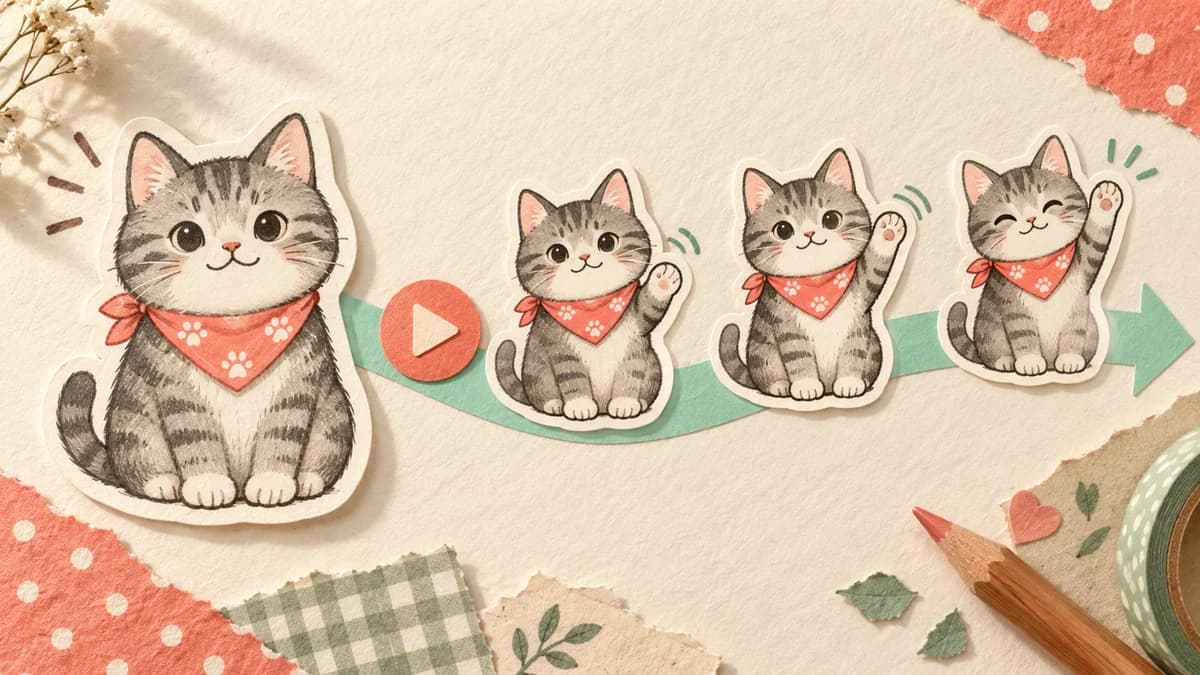
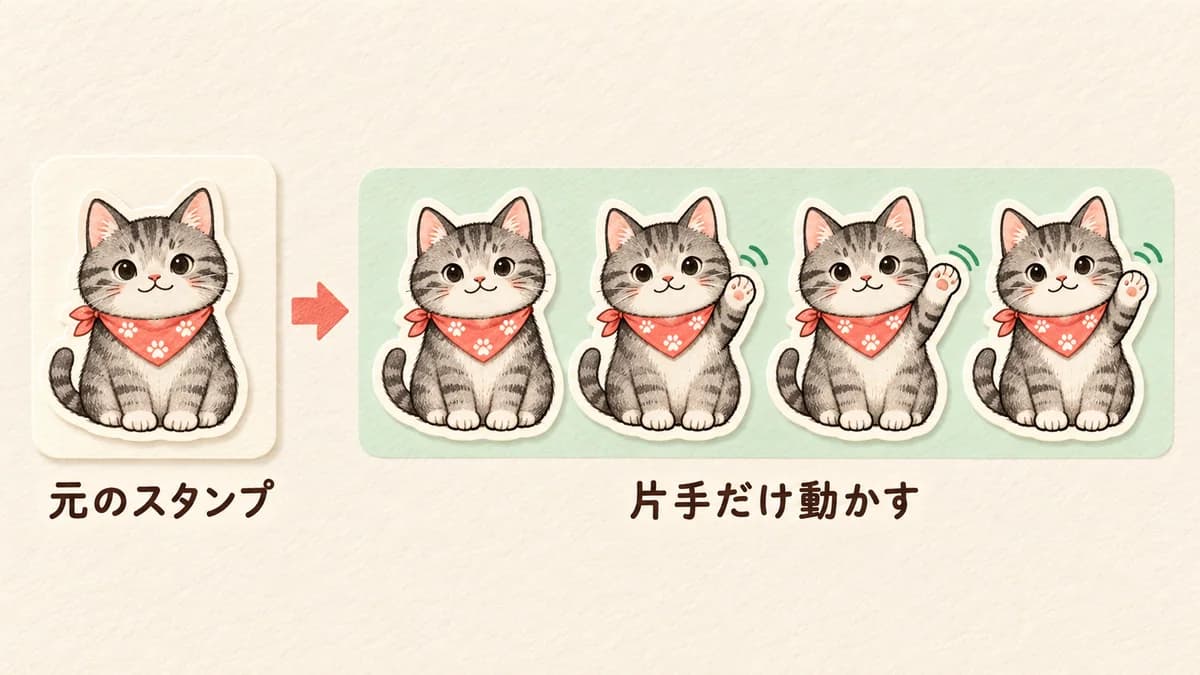
A finished static sticker already has a useful character, phrase, and composition. The challenge is to add motion without changing what people recognize. Treat the original image as the anchor, choose one moving part, and make the first frame match the original as closely as possible.
Keep these stable
- Preserve the original face, silhouette, phrase, and overall position.
- Choose one clear movement instead of shaking the whole image.
- Check the first frame and the final APNG against the original static sticker.
- Confirm that you own or can use the original artwork and lettering.
Why finish the static look first
Animation amplifies mistakes. If the phrase is too small, the character is already off-center, or the background is not transparent, motion will make the problem harder to see and fix. Make a clean static reference before asking for movement.
Save the original file separately. The animated version should be a new output, so you can compare both and keep using the original if the motion does not feel right.
Animate an existing sticker in Stampo
Upload an existing sticker or start from a prepared character source in Stampo's animation flow. Explain that the original design, phrase, and proportions must remain unchanged, then describe the movement and the return to the starting pose.
- Choose the existing-sticker or source-image workflow.
- Check the imported character and phrase before creating motion.
- Describe what moves, what stays fixed, and how the loop ends.
- Review the motion plan and the required tickets before generation.
- Play the result in the editor and export only after comparison with the original.
Motion instructions you can copy
For a greeting, try: Keep the original character centered and keep the phrase readable. Move only the right hand slowly once, with a small natural wave. Keep the face, body, and background stable, then return to the original pose.
For Thanks, try: Start with the original smiling expression, lean the upper body forward in one small bow, keep the lettering fixed, and return to the exact starting position. Do not change the character's colors or proportions.
Check the animated sticker requirements
Animated stickers use different rules from static stickers. Verify the current official item count, APNG format, dimensions, frame count, duration, loops, transparency, per-item capacity, ZIP capacity, main image, and tab image. The original static artwork still needs to be adapted to those requirements.
The first frame is especially important. When the animation is not playing, the viewer may see only that frame, so it should still look like the original sticker and communicate the phrase.
If the result does not work
When the character changes, strengthen the instruction to preserve the original image and reduce the moving area. When the motion is invisible, make one part move farther while keeping the rest fixed. When the phrase wobbles, explicitly lock the lettering across all frames.
- Character drift: use the original image as a strict reference.
- Weak motion: specify one part, one direction, and one repetition.
- Shaking text: keep the phrase fixed and reduce camera movement.
- Large file: simplify the background and reuse still frames where allowed.
From export to LINE submission
Download the completed ZIP from the editor, then use your LINE Creators Market account to register the item, upload the files, request review, and release it after approval. Stampo does not submit on your behalf. Keep the original static file and the final animated ZIP clearly separated so you do not upload the wrong format.
Protecting the original makes the motion look better
Animation works best when it has a stable visual anchor. Preserve the original design, make one intentional movement, and let the loop return to the same pose. That approach keeps an existing sticker recognizable while adding just enough life for a new use.
FAQ
Can I animate sticker images made in another app?
Yes, when you have the right to use the original artwork and the file can be used as a reference. Check the imported image and the final output for third-party material.
Will the original static sticker be deleted?
No. Keep your original file separately. Creating an animated version should produce a new output, but your own file-management and submission choices remain your responsibility.
Can I remove the phrase and animate only the character?
You can request a text-free version if that fits your intended set, but decide whether the result is still recognizable and meets the chosen LINE format's requirements.
Is animation free?
Stampo shows the current ticket and price requirement in the creation flow. Check the displayed information before full generation.