Animated LINE Sticker Size, File Size, and Format Guide | Pre-submission Checklist
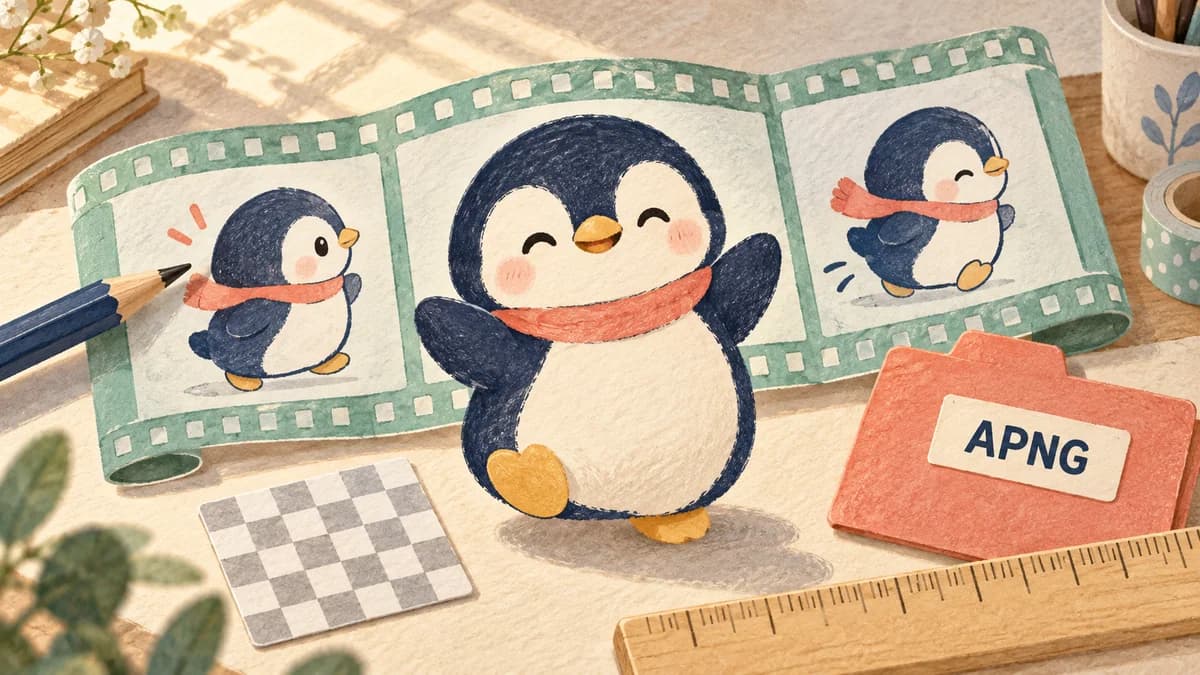
Animated LINE stickers fail for practical reasons as often as creative ones: the wrong format, a frame that is too large, a file that exceeds the limit, or a first frame that does not work as a still image. Keep the specification beside your editor and check the exported files, not only the design canvas.
Remember these distinctions
- Animated stickers and animated emoji have different sizes and limits.
- Animated sticker artwork is submitted as APNG, not GIF.
- Every frame needs consistent dimensions, transparency, and readable content.
- The first frame must stand on its own when motion is not playing.
Do not mix up the three formats
Static LINE stickers, animated LINE stickers, and animated LINE emoji are separate submission types. Static stickers commonly use a 370×320px canvas or smaller, animated stickers follow their own maximum dimensions and APNG rules, and animated emoji use a 180×180px canvas with a different capacity limit.
Choose the type first. A file that looks correct for a static sticker cannot be submitted as an animated sticker without adding animation and meeting the animated format's frame and playback requirements.
Animated sticker size: read the maximum and the conditions together
The current official animated sticker guide describes a maximum width of 320px and height of 270px, with one side at least 270px. All frames in an item should share the same dimensions. Leave enough transparent space for the design while keeping the character readable.
Related images have separate requirements: the main image is 240×240px and the tab image is 96×74px. They are static images, so make sure they still represent the animated set without relying on playback.
APNG and GIF are not interchangeable
Animated LINE stickers are prepared as APNG. A GIF inside a ZIP is not a substitute for the required format, even if it plays in an image viewer. Export with the correct PNG-based animation settings, then inspect the actual file extension and playback before uploading.
Use a consistent color mode and transparency through the export. A conversion step can flatten the alpha channel, change the frame timing, or increase the file size without being obvious in the editor.
Frames, playback time, and loops
The current guide describes 5 to 20 frames, a 1 to 4 second playback duration, and 1 to 4 loops within the total duration limit. The exact limit should be checked again at submission time. Do not create many nearly identical frames simply to make the animation longer.
A short loop with a clear start and return is easier to understand and usually lighter than a full-screen effect. Reusing still frames where the official rules allow it can help stabilize the character and control capacity.
Reduce capacity by limiting the moving area
Large moving backgrounds, gradients, particles, and fine texture can make an APNG heavy. Keep the background transparent, leave the face and phrase stable, and move one intentional part of the character. This improves readability as well as capacity.
If a file is too large, simplify the motion before making the character smaller. The sticker needs enough visual scale to be understood in a chat, and a smaller character can create a different usability problem.
Make frame one a finished static image
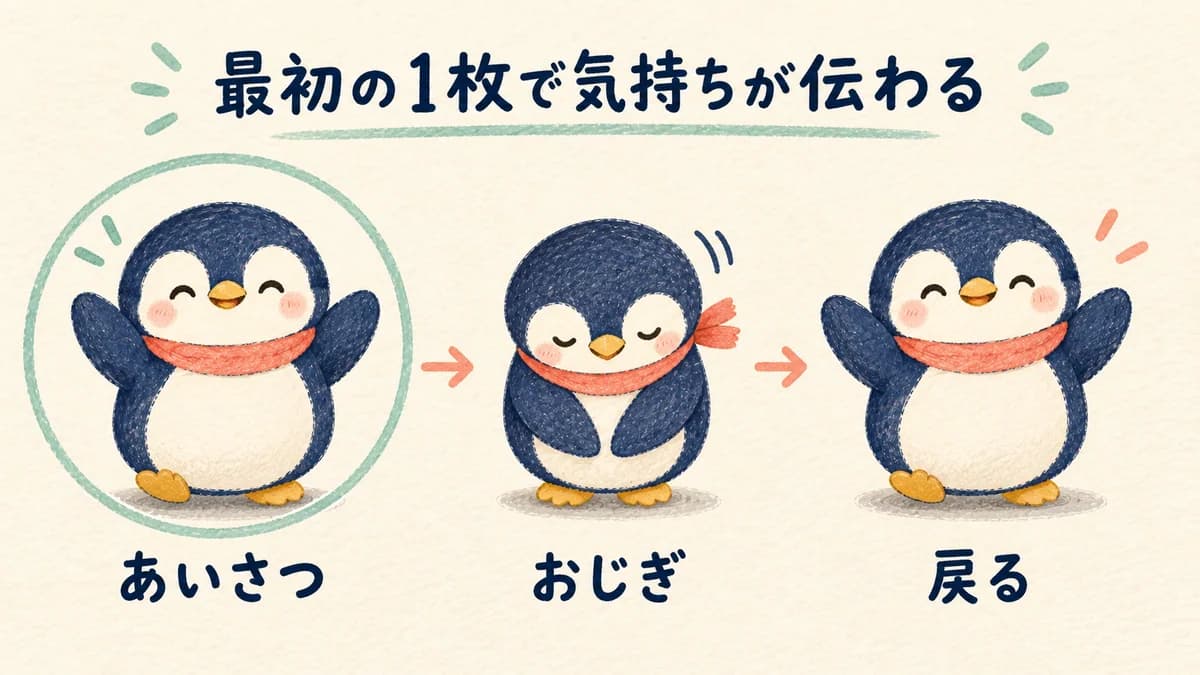
The first frame may be the only frame a person sees in a shop preview or before playback. Put the feeling, phrase, and key silhouette there from the start. Do not hide the meaning in the last frame of a bow or reaction.
Compare frame one to the original static sticker or reference. Check that the face, phrase, transparency, and margins look intentional before reviewing the movement.
Symptoms, causes, and fixes before submission
A specification problem often has a visible symptom. When the file is rejected or does not play as expected, identify whether the issue is the format, dimensions, capacity, frame timing, transparency, or related image rather than changing the artwork at random.
- Does not upload: check APNG format, extension, ZIP structure, and dimensions.
- Does not play: inspect frame count, timing, and loop settings.
- White box appears: verify the alpha channel and background layers.
- Text is unreadable: enlarge it, shorten it, or make it stable across frames.
- File is too large: reduce particles and the area that moves.
Checklist before making the ZIP
Open the exported files in a viewer separate from the editor. Confirm every item, then confirm the main image, tab image, names, count, and ZIP size. Keep a copy of the source files so you can revise without rebuilding the entire project.
- Correct item count for the selected animated sticker set.
- APNG files with consistent dimensions and transparent backgrounds.
- Frame, duration, loop, per-item capacity, and ZIP capacity within current limits.
- First frame works as a static image and the phrase is readable.
- Rights, AI disclosure, main image, and tab image are ready for the review form.
FAQ
Can I make an animated LINE sticker at 370×320px?
Those are common static sticker dimensions, not the current animated sticker maximum. Check the official animated sticker guide and keep the animated item's dimensions within its own rules.
Can I put a GIF in the ZIP?
Animated LINE stickers require APNG according to the official guide. Do not treat a GIF that plays locally as a valid submission file.
How long can one animated sticker play?
The current guide describes a 1 to 4 second range with loop conditions. Verify the latest official limit and total duration rules when you submit.
Do animated emoji also have a 1MB limit?
Animated emoji use different dimensions and capacity rules, including a stated per-item limit in their own guide. Check the animated emoji requirements separately.