How to Make Animated LINE Emoji with AI | A 2026 Guide
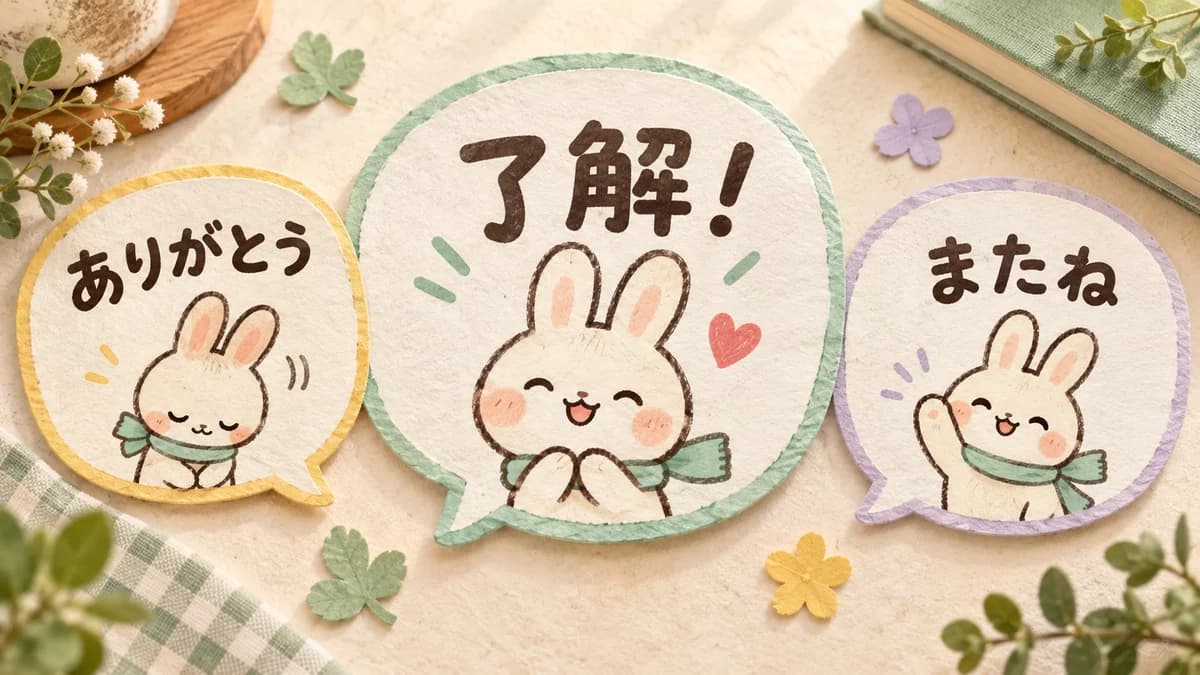
Animated emoji have to work in a much smaller space than a standalone sticker. The first frame, the face outline, the movement, and any lettering must be understandable inside a message bubble. Start with one feeling per emoji and let the silhouette do more work than fine detail.
Design priorities
- LINE animated emoji use 180×180px APNG images and a small file-size limit per item.
- A clear face and one readable movement matter more than complex animation.
- Stampo's current animated emoji flow offers 16, 32, or 40 items.
- Check the latest LINE requirements and rights before submitting the ZIP.
What animated LINE emoji are and how they differ from stickers
Emoji can be placed inside a sentence, sent alone, or used as a reaction in supported LINE versions. A sticker is usually the main image in a new message, while an emoji adds a small emotional or visual accent to words that you write yourself.
Because emoji are often displayed at 180×180px or smaller inside a bubble, a design that looks clear as a large sticker may become unreadable when reduced. Plan for the smallest useful display from the beginning.
Check the official animated emoji requirements first
The current official guide describes animated emoji as APNG images at 180×180px, with each item within the stated 300KB limit and the package within its ZIP limit. It also specifies frame, duration, loop, transparency, and related-image conditions. Requirements can change, so use LINE's official page as the final authority.
- Use the correct 180×180px canvas and transparent background.
- Keep each item within the current file-size limit.
- Stay within the official frame, duration, and loop range.
- Make the first frame meaningful when playback is not visible.
- Check small in-bubble text and facial expressions, not only the editor view.
Design for a small display
Give each emoji one emotion. Thanks can be a smile and a nod. Okay can be a large nod. Surprise can be wide eyes and a short bounce. A single clear change is easier to read than several effects competing at once.
Move parts that change the silhouette: ears, arms, body, or eyelids. Keep the outline bold and the decoration simple. If you add lettering, use a short word and confirm that it remains readable beside normal chat text.
Create animated emoji in Stampo
Tell the creation chat who the character is, where you will use the emoji, and what should move. A clear photo helps establish the face, coat color, ears, and other identity cues. Review the character preview before building the complete set.
- Describe the audience and everyday use cases.
- Upload a reference photo or describe the character clearly.
- Review the face, colors, outline, and fixed accessories.
- Choose 16, 32, or 40 items and remove duplicate meanings.
- Check the first frame, small display, transparency, and playback in the editor.
Submit the APNG package to LINE Creators Market
After the ZIP is ready, enter the animated emoji sales information, upload the APNG package and tab image, select the required main images, and request review. Set the AI-use declaration to match the actual creation process. Approval and review time are not guaranteed, so use the current official guide when you submit.
A concrete prompt structure for AI
Combine four details: character, use case, movement, and visibility. For example: a white rabbit with long ears and a small blue ribbon; for family chats and short replies; nod, wave, and bow once; bold dark outline, transparent background, large face, and minimal decoration.
Also say what must remain stable. Keep the face outline and lettering fixed, move only the ears or head, and make the first frame readable without playback. This makes review and correction much easier.
Final checklist before submission
Look at each item in the context where it will be used. Confirm dimensions, file size, frame count, duration, loops, transparency, rights, and the difference between each expression. AI artwork still needs a human review one image at a time.
- 180×180px APNG with transparent background.
- Per-item and package capacity within the latest official limits.
- The first frame communicates the emotion.
- The face and any lettering remain readable in a bubble.
- No repeated motion, unauthorized material, or unexplained third-party element remains.
FAQ
Can I send animated emoji by themselves?
Yes. Emoji can be sent alone and appear more like a sticker, but they may be smaller inside a sentence. Test both contexts.
Should the motion be complex?
No. A clear nod, wave, blink, or bounce is often more readable than a complex animation at small size. Prioritize one emotion and one recognizable movement.
How many items can I make in Stampo?
The current animated emoji flow offers 16, 32, and 40 items. This is separate from LINE's official registration range, so check both the creation screen and the official guide.
Can AI-generated emoji go straight to review?
You still need to check the specifications, rights, visibility, text, and AI-use declaration before submitting. A generated file is not automatically approved.