How to Make Animated LINE Stickers from Dog and Cat Photos | Keep the Same Pet Recognizable
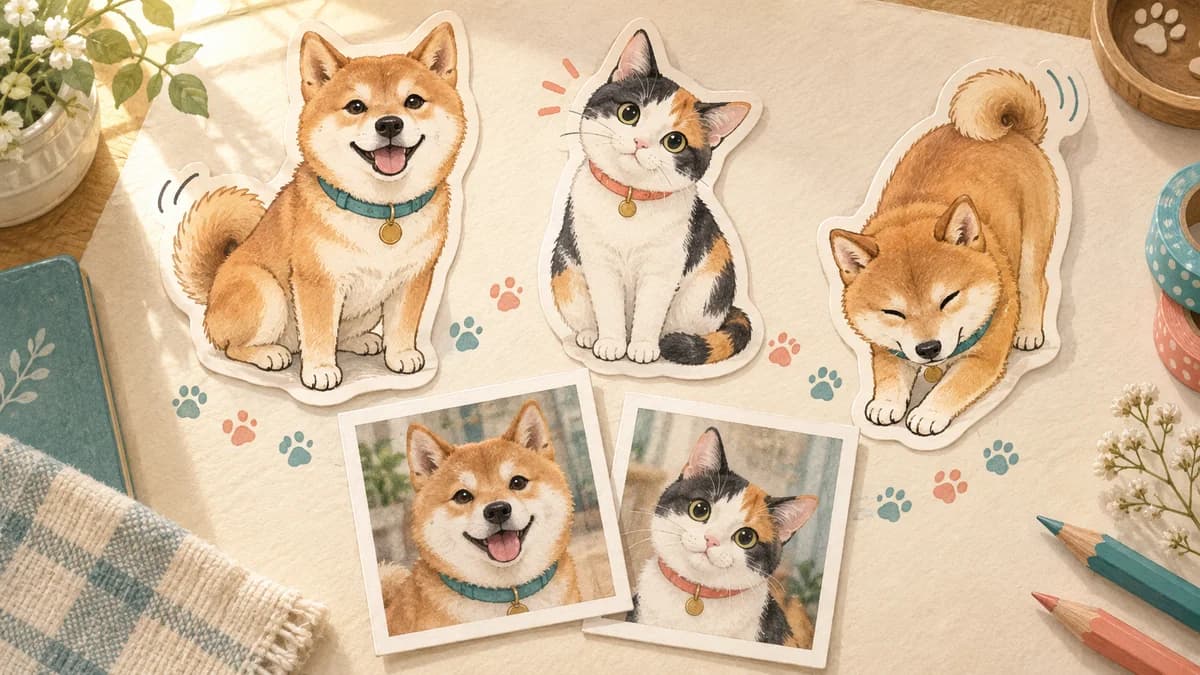
A pet can become a memorable animated sticker when the movement adds personality without changing the animal. Start by deciding which features must remain, choose a photo with a clear outline, and use small movements that return to a stable pose.
Plan the identity first
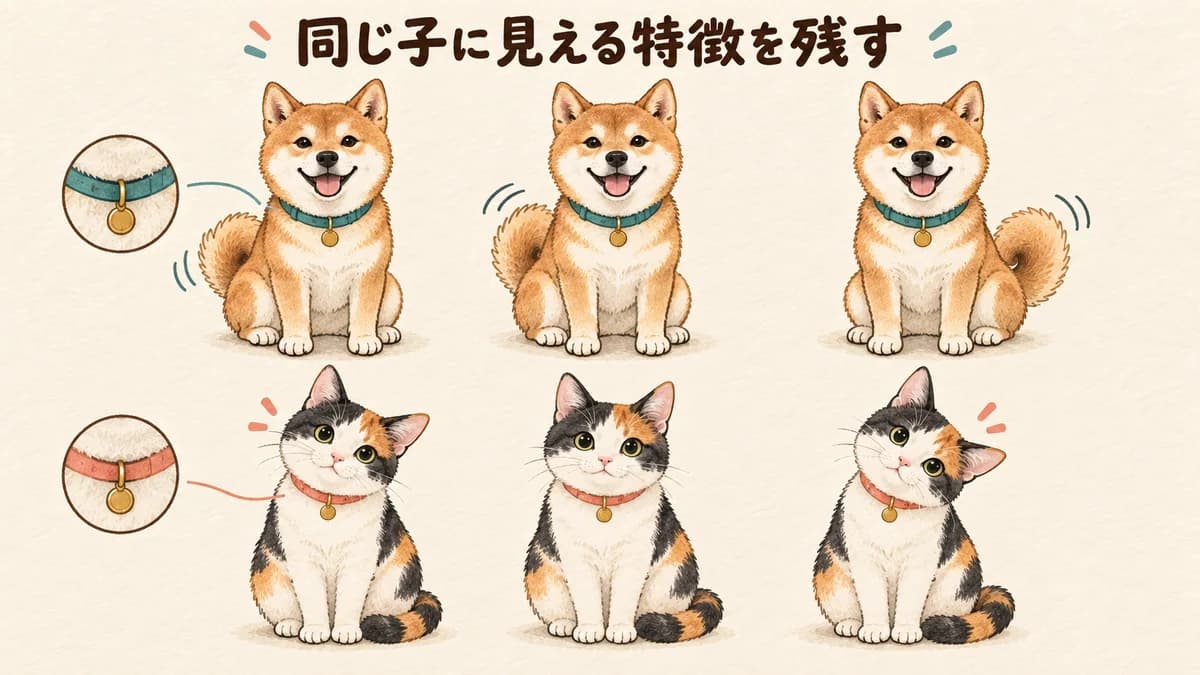
- Fix three cues such as coat color, ear shape, markings, collar, or tail.
- Choose a photo where the eyes and silhouette are easy to read.
- Begin with one movement per sticker and a clear return to the starting pose.
- Review the full set for drift before checking individual frames.
Use official store examples for direction, not imitation
Looking at official animated sticker and emoji collections can show which kinds of reactions are easy to understand: a wave, bow, nod, bounce, or change of expression. Use those examples to think about situations and motion size, not to copy a character, phrase, or composition.
A pet set becomes more useful when it covers ordinary replies. Decide whether your animal is a calm helper, an energetic comedian, or a sleepy companion, then let the movement match that personality.
Choose three features to preserve before movement
Write a small identity checklist: white chest patch, triangular ears, blue collar; or orange coat, round eyes, and a short tail. These features should remain stable while the pose and expression change.
Do not try to preserve every hair. A clear silhouette and a few strong markings survive small display better than a noisy outline that changes from frame to frame.
Choose the outline before the cuteness
A charming photo with blur or backlight may be less useful than a simple photo where the body boundary is clear. Avoid backgrounds that merge with the coat, and make sure the eyes, ears, and tail can be identified.
For animated work, a stable reference is especially important. If the source makes the head shape ambiguous, a later wave or bow can cause the character to drift. Start with the photo that gives the generation process the clearest anchor.
Start with movement that is small, focused, and returns
Ask for one clear action: a paw wave, a nod, a blink, a tail wag, or a small bounce. Keep the face and body position stable where possible, and end at the starting pose so the loop does not feel broken.
A larger movement can be fun, but it changes more of the silhouette and uses more visual information. Test the small version first, then increase the range only if the action is difficult to see.
Create a pet animation set in Stampo
Upload a clear photo, describe the fixed identity cues, and explain who will use the stickers. Choose the set size, review the proposed phrases and movement descriptions, and confirm the current ticket requirement before full generation.
- Use a photo with visible eyes, ears, markings, and silhouette.
- Describe three features that must not change.
- Choose everyday phrases such as Hello, Okay, Thanks, Sorry, and Good night.
- Give each item one movement and one main feeling.
- Play the finished animation and compare the pet's identity across the set.
Choose phrases that remain readable on a small screen
Use short lettering and leave space around the face, ears, and tail. A large Thanks or Okay is easier to use than a sentence squeezed into a moving image. Let the animal's expression carry some of the meaning instead of adding more words.
Mix practical replies with personality: I am sleepy, Wait, Yay!, I am home, Good job, and See you later. The best list is the one you can imagine sending repeatedly.
Check the same-pet quality after generation
Open the full set as a grid and compare the face, coat, ear shape, markings, accessories, and proportions. A strong motion does not compensate for an animal that no longer looks like the reference. Replace an outlier before spending time polishing the rest.
Then check the first frame, movement range, phrase, transparency, margins, and file size. A static first frame should still show the intended emotion when playback is not visible.
Check the photo and rights before submission
Use a photo you took or have permission to use. Check for people, logos, signs, products, and recognizable characters in the background. Review the current LINE animated sticker rules and set the AI-use disclosure honestly when required.
FAQ
Can I make pet animation from one photo?
Yes. One clear reference photo can be enough, especially when the eyes, outline, and key markings are visible. Review the full set carefully for identity drift.
Can my dog or cat make a very large jump?
You can request a large pose, but a smaller focused movement is easier to keep recognizable. Start with one action and increase the range only after checking the identity.
Can I make 40 animated stickers?
Stampo's current animated sticker flow offers 8, 16, and 24 items. Check the latest LINE registration rules separately before submission.
Will a pet photo automatically pass review?
No. You still need to check rights, text, transparency, dimensions, visibility, and the current review guidelines.